

Trading history
Start with the file you already export.



Log, import, analyze, and review your trades in one ready-to-use workspace — without spending days rebuilding databases and dashboards yourself.
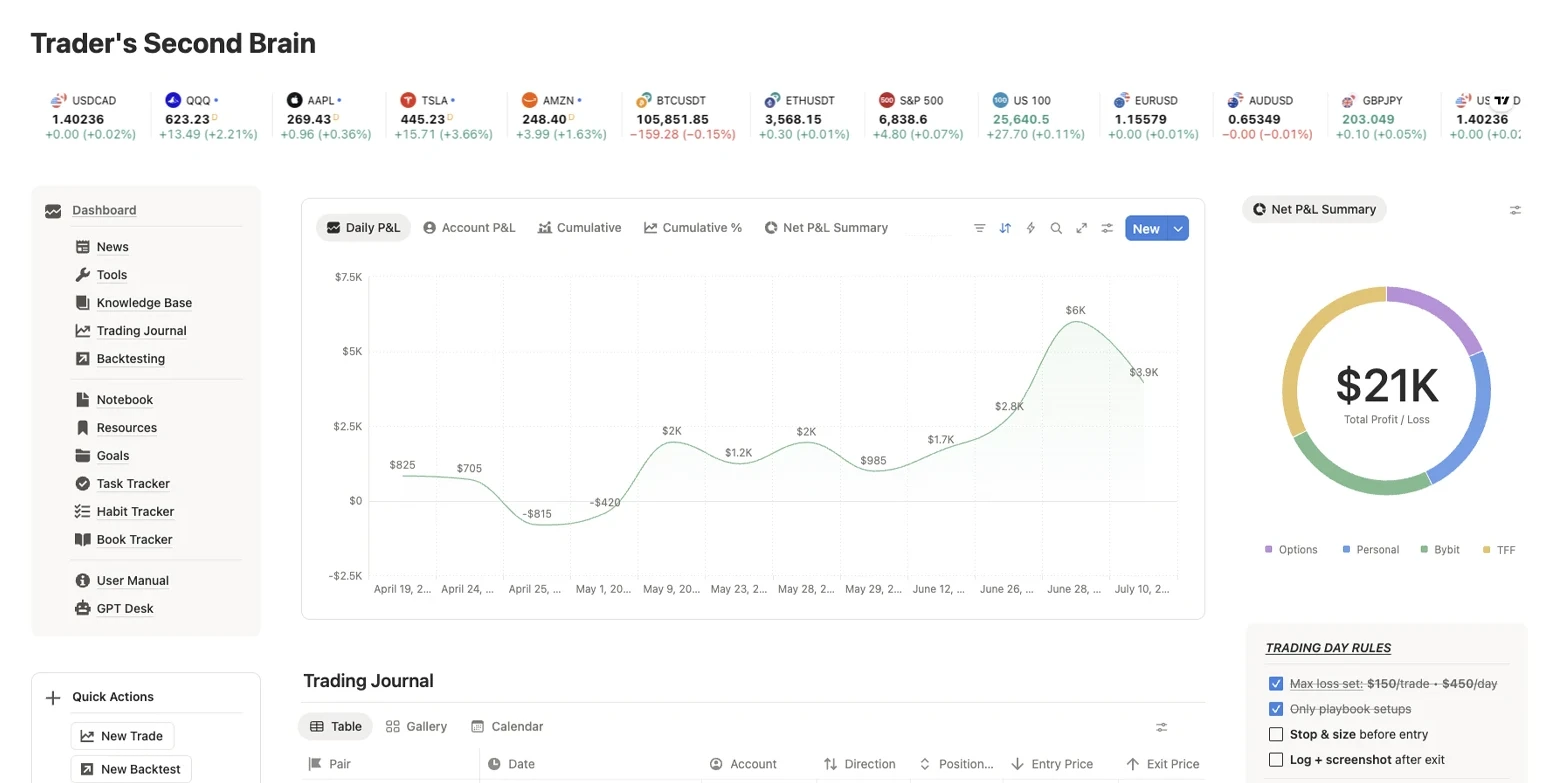
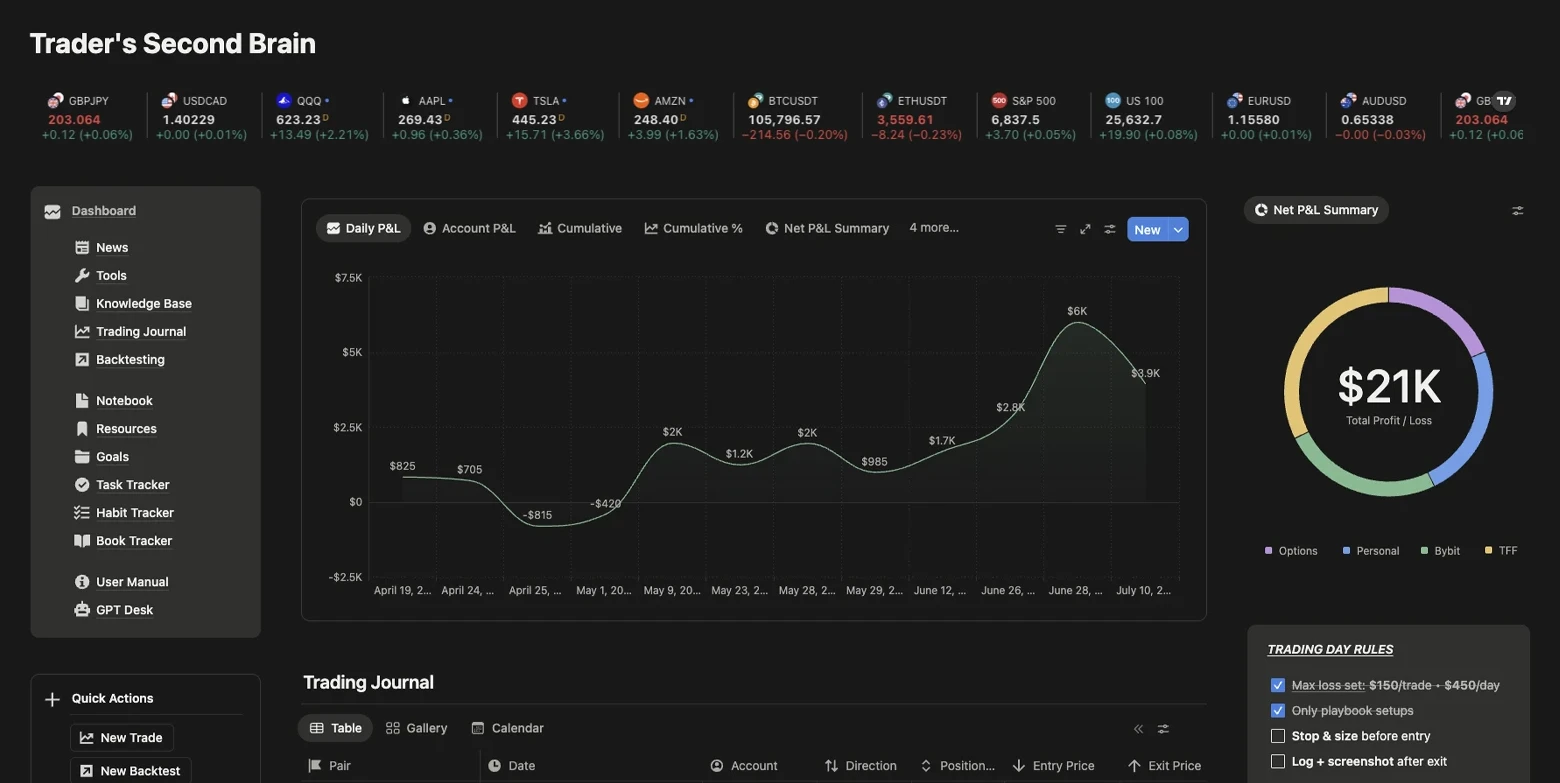

Most templates leave you with empty pages and formulas. TSB arrives connected and ready to duplicate — with the importer and analytical charts included.
Bring in the history you already have, send it into your Notion journal, and turn it into charts you can actually use.
Start with the file you already export.
Review detected fields instead of rebuilding every trade.
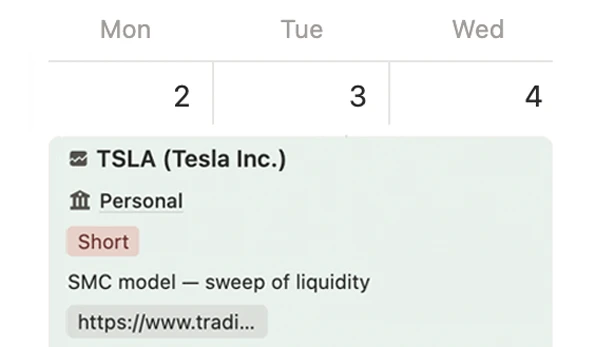
Keep trades, notes, setups, and screenshots connected.
See P&L, equity, setups, sessions, returns, and more.
Five connected parts take you from recording a trade to understanding what should change next.
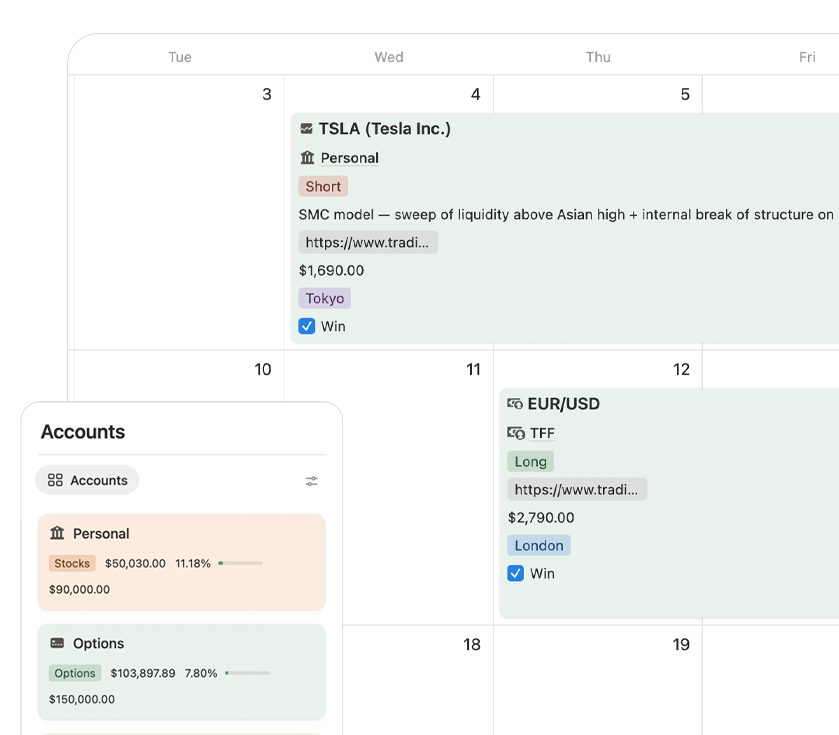
Track and tag trades in a journal that is already structured for real review — not an empty database you still need to design.
Use native Notion charts if your plan supports them, or keep the included TSB chart layer for life.
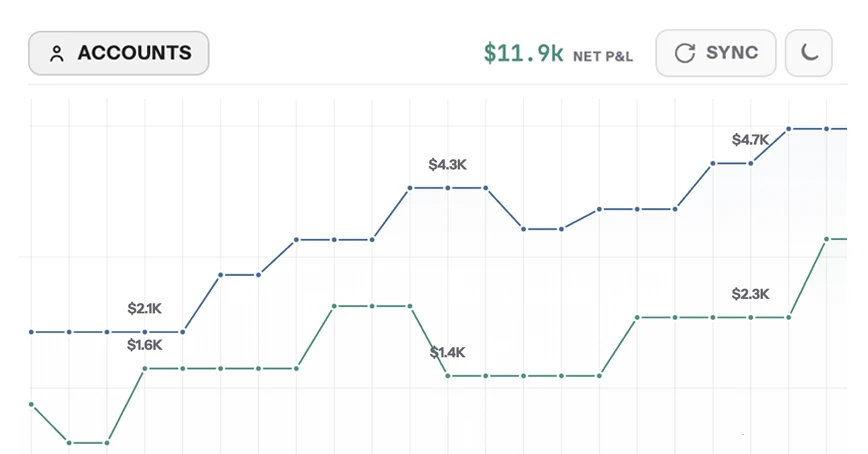
Move from individual trades to daily, weekly, and monthly reflection without scattering notes across separate documents.
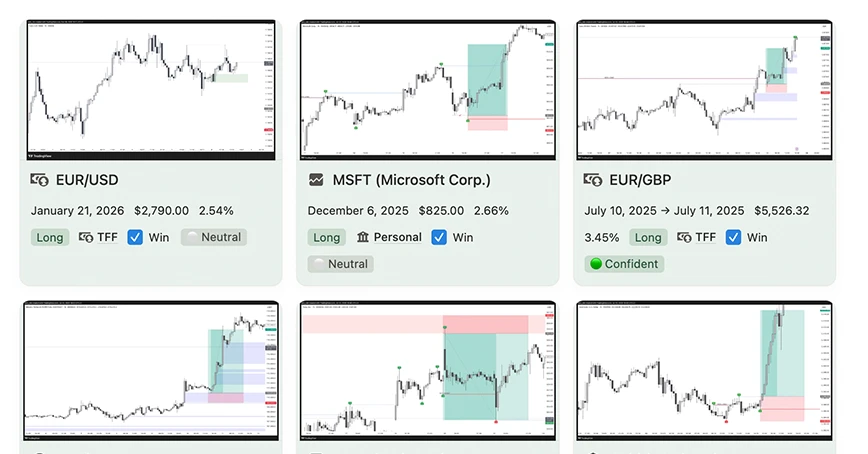
Capture replay notes and test new setups manually inside the system before you risk real money.
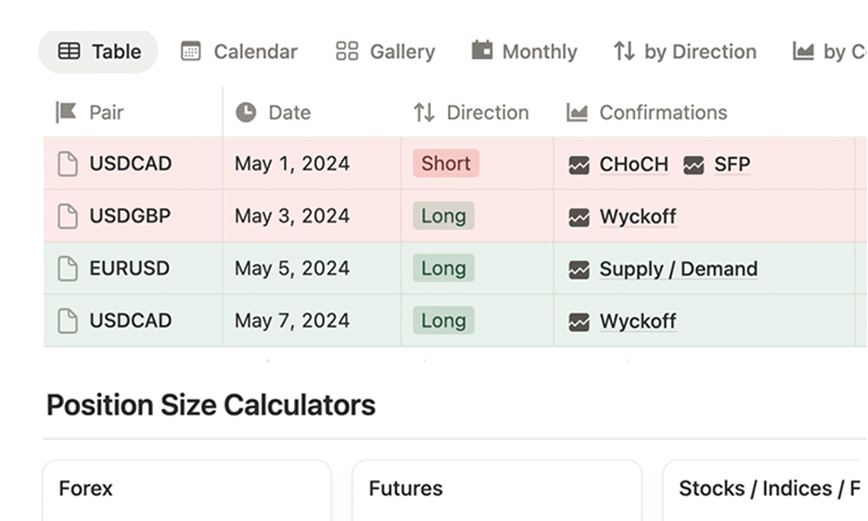
If it has a ticker or pair — you can journal it.
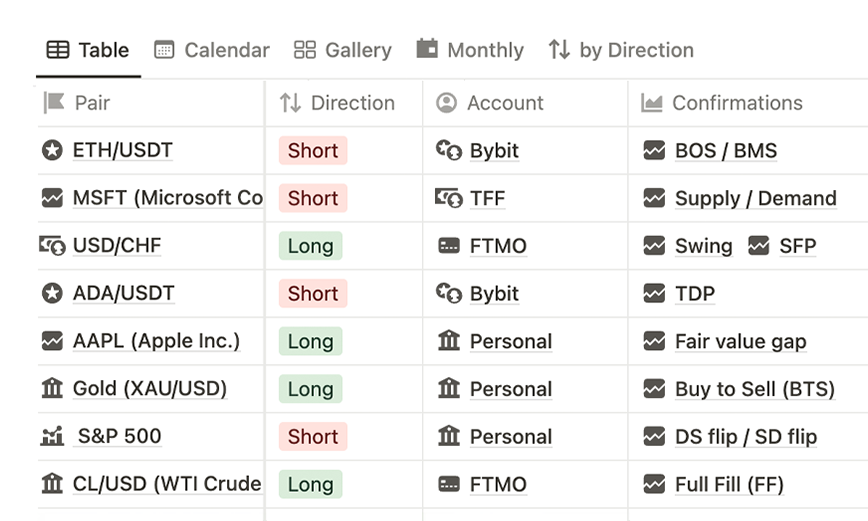
Explore 30+ strategy examples, organize your own rules, track results, and see which setups deserve your attention.
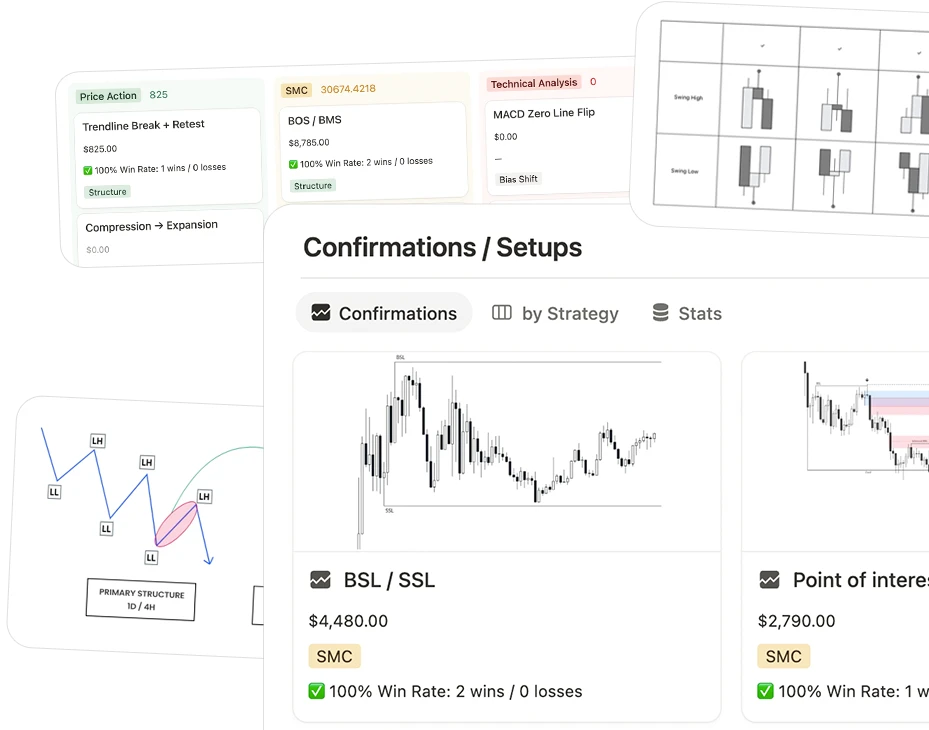
No subscription. Lifetime access and updates are included.
Ten focused modules are included around the core system. Use what you need now and grow into the rest.
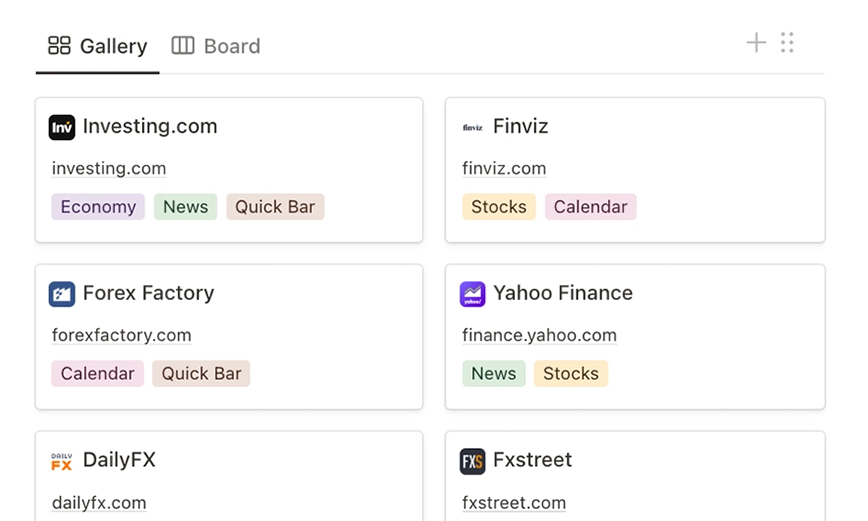
Feeds and market sources in one place.
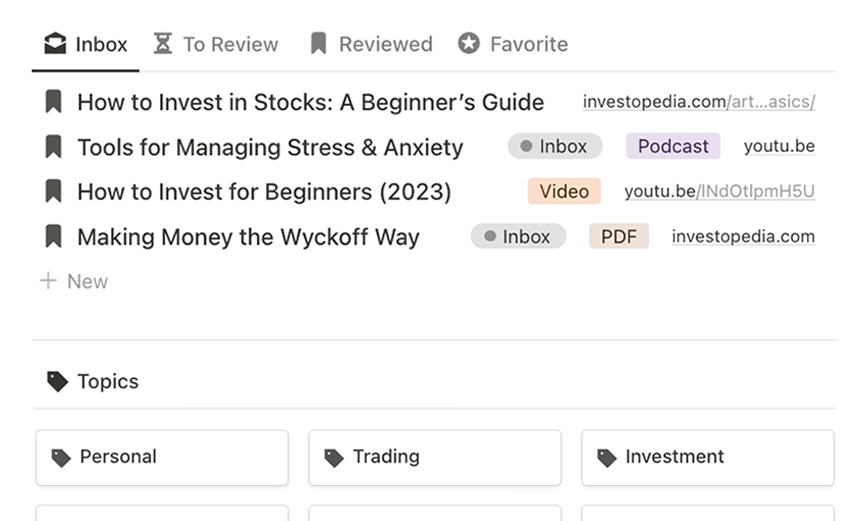
Articles, PDFs, and videos organized.
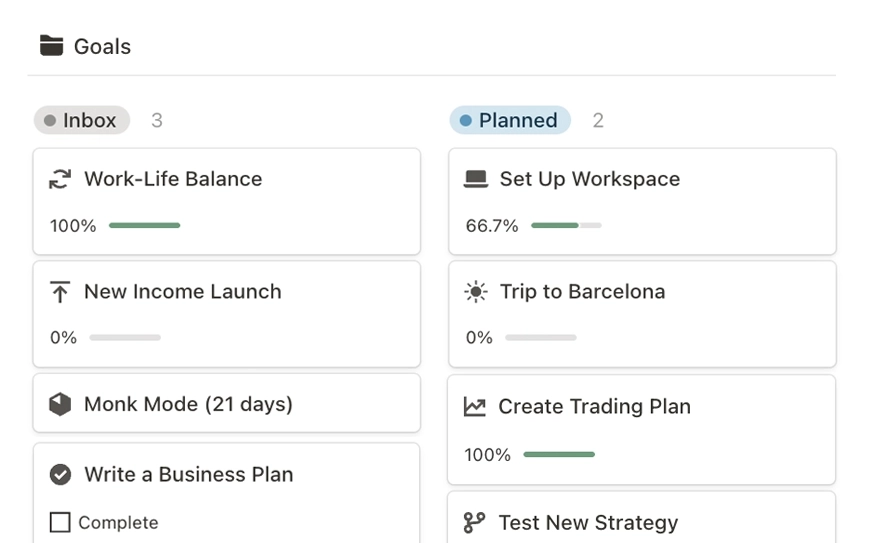
Targets, priorities, and progress.
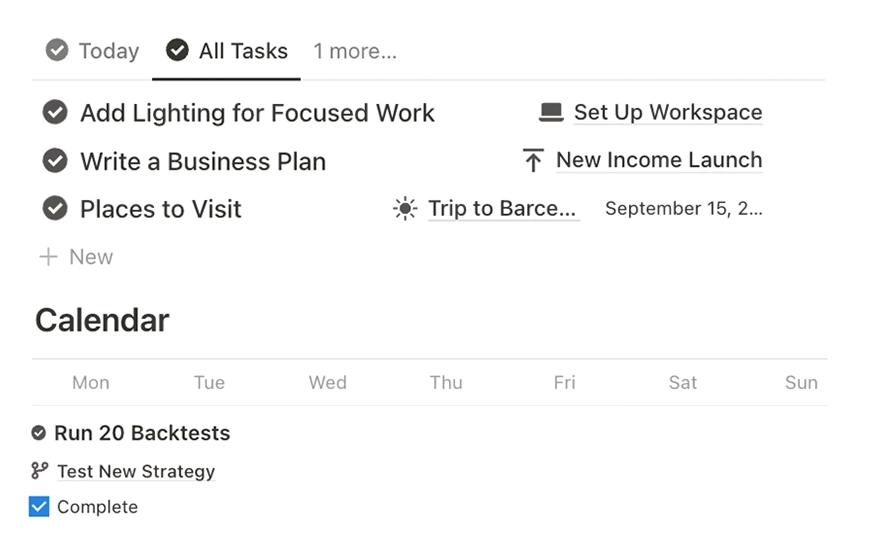
Clear actions organized by priority.
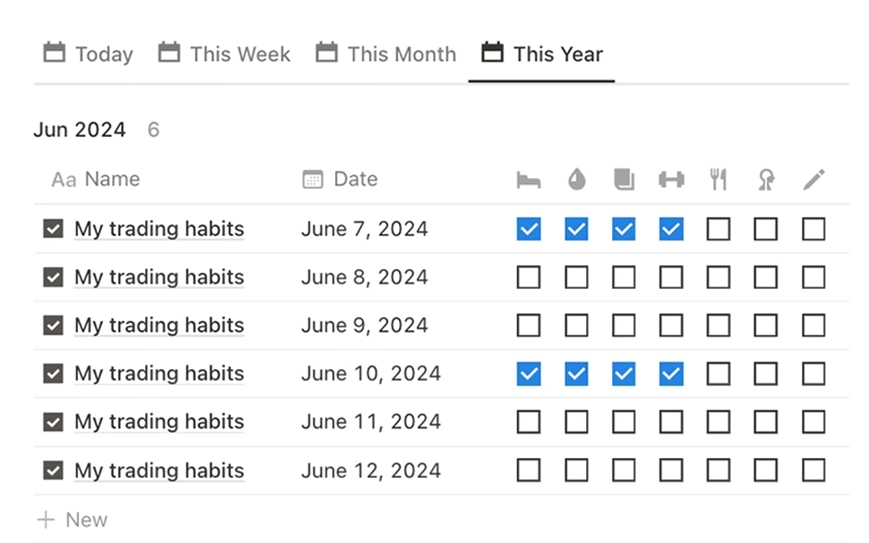
Daily, weekly, and monthly consistency.
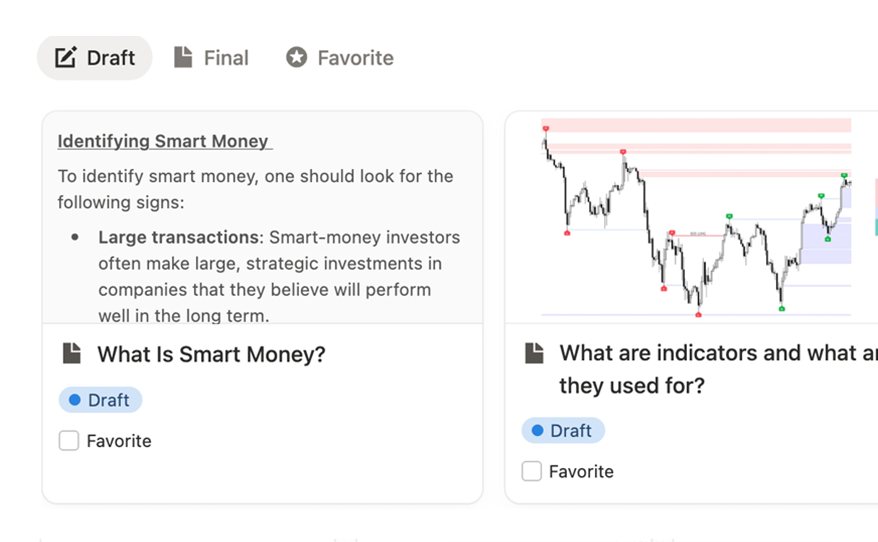
Ideas and reflections kept searchable.
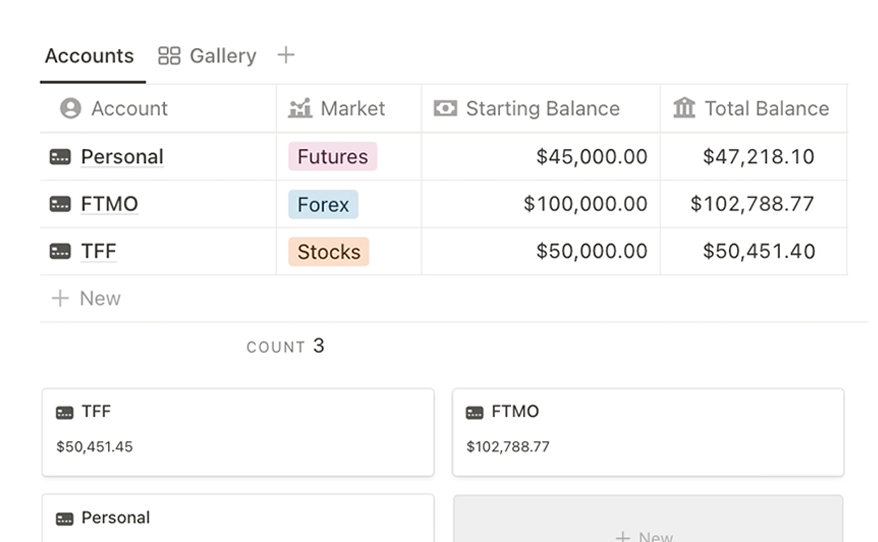
Separate context for every account.
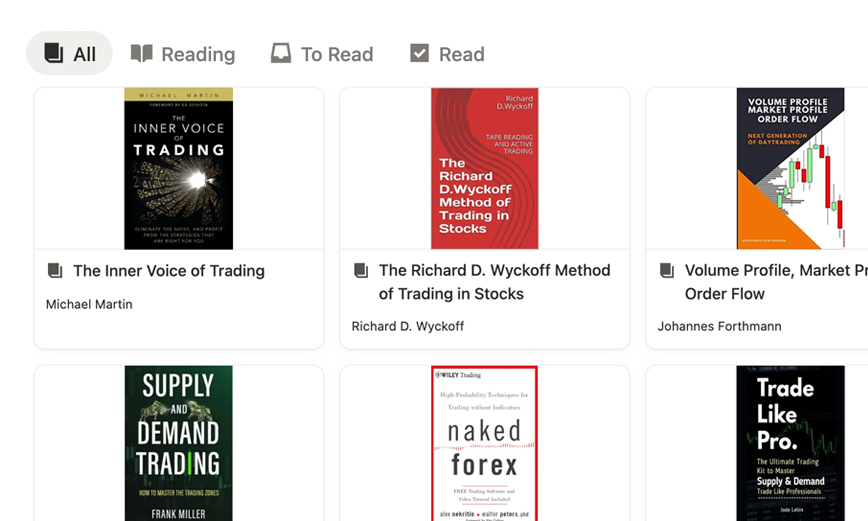
Books, quotes, and useful ideas.
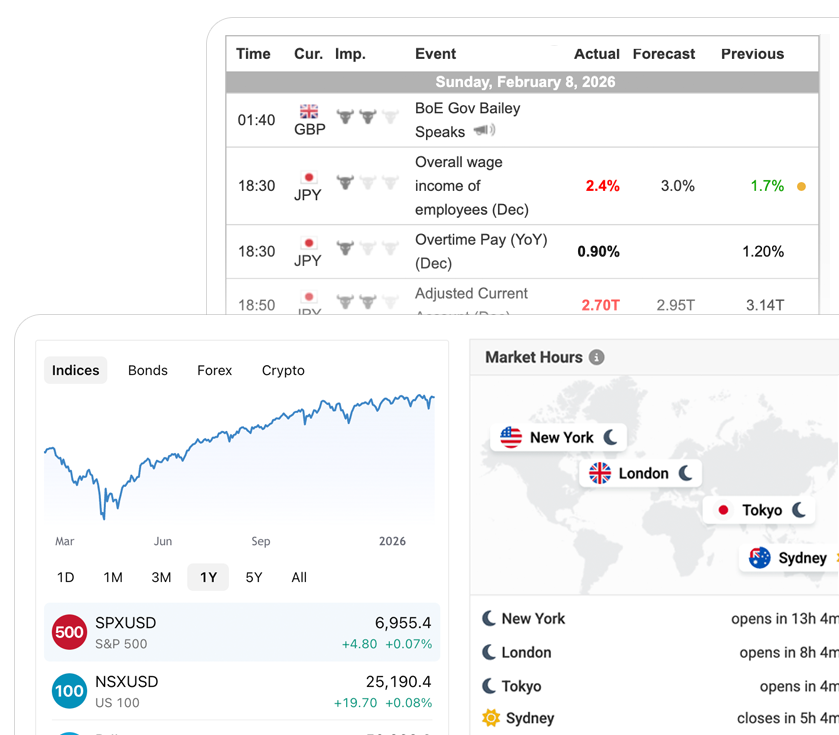
Screeners, feeds, market hours, and charts.

30+ prompts help you turn the context already stored in your Notion system into sharper reviews using ChatGPT, Claude, or Notion AI.
Notion stays your source of truth. Use the AI tool you already prefer when you want a second pass on the work.
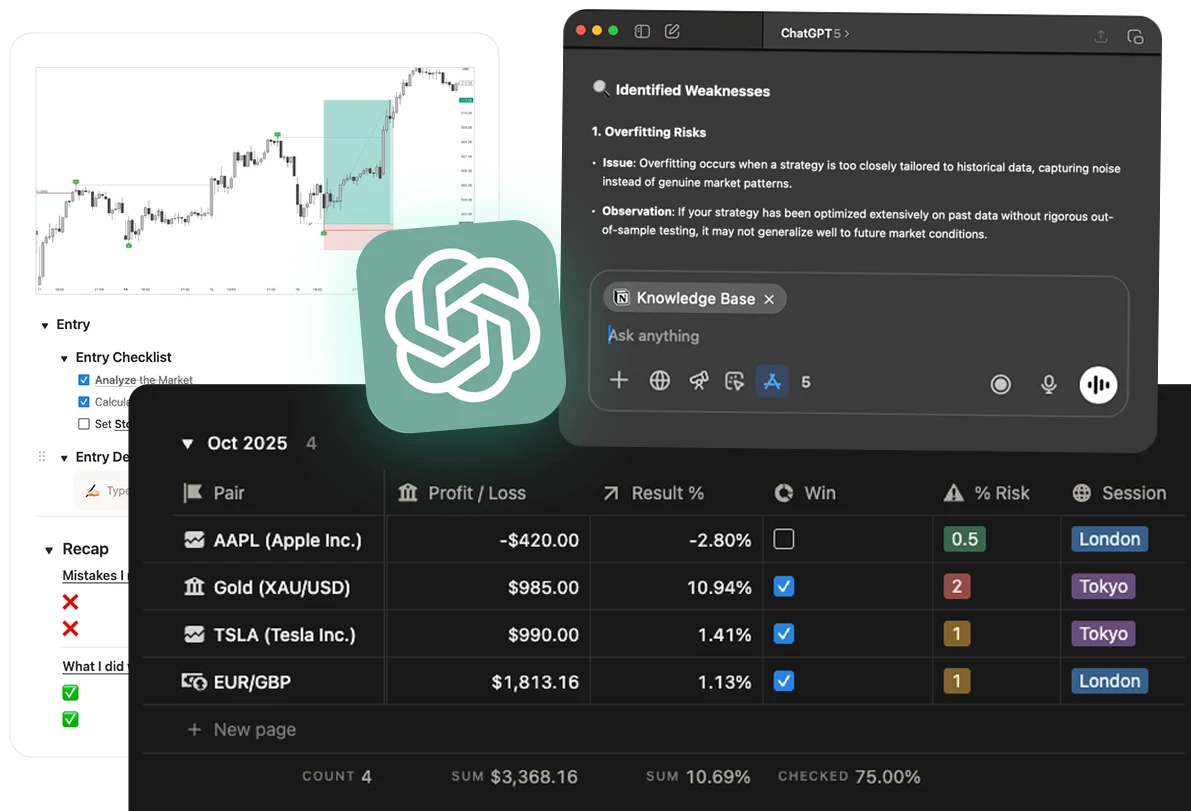
The complete trading system, every workspace module, and 30+ review prompts.
The structure is finished. You only need to copy it, personalize what matters, bring in your trades, and begin reviewing.
Copy the complete system into your own Notion workspace. The tutorial is included.
Rename pages, adjust properties, and shape the workspace around the way you trade.
Bring in CSV, TSV, JSON, or HTML history with the included import workflow.
Use review pages, dashboards, charts, and prompts to turn history into decisions.
You do not need another weekend rebuilding a trading workspace from scratch. This one is ready.
Real stories from traders who replaced chaos with structure.
"Before TSB, I reviewed trades manually. Now AI explains them for me — like a mentor that never sleeps."
"I tried building my own system for months — it never worked. Trader's Second Brain organizes everything automatically."
"When I see my data clean and visual, I stop forcing trades. This system helps me focus only on valid setups."
"It's not another tracker — it's literally how I think now. Trades, setups, reviews, habits — everything is connected."

"Before TSB, I had spreadsheets, screenshots, and half-broken templates. Now I just open one dashboard and everything I need is right there."

"Everything — trades, setups, stats — connected. Linking each trade to a setup showed what really worked. I stopped guessing."

"I gave up on Notion before, but this made it click. It's simple, smart, and customizable — perfect for journaling and backtests."
Join 2,100+ traders across the TSB ecosystem
Get the Notion SystemThe work is already done. Duplicate it now instead of spending days rebuilding it yourself.
A complete workflow for journaling, analytics, reviews, backtesting, and playbook development. The importer, chart embeds, and full trading workspace are included.
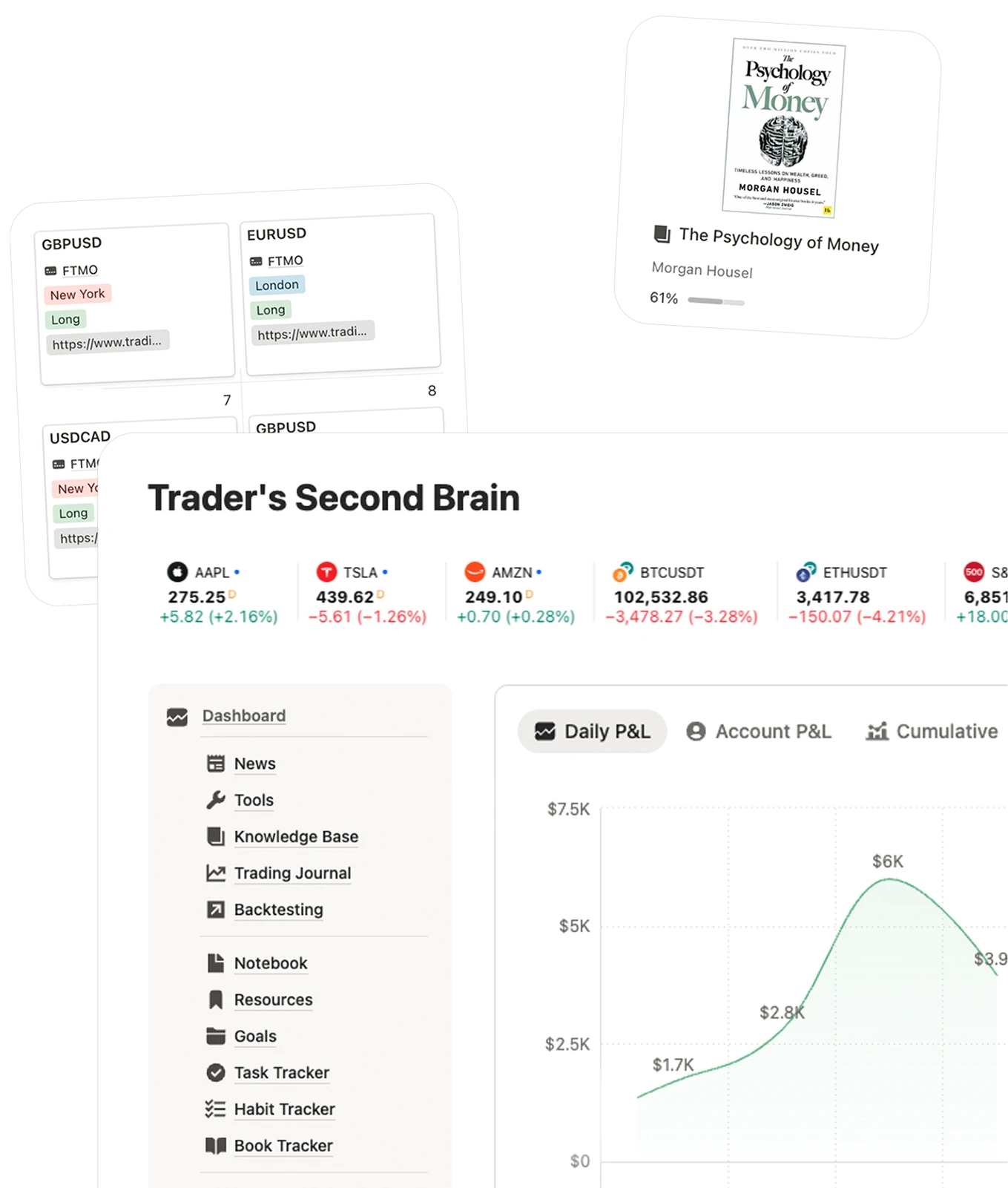
Get clarity in your trading — start using your Second Brain today.
You'll receive a link to duplicate the Notion system into your workspace, plus companion tools for unlimited CSV/TSV/JSON/HTML trade import and 10 chart embeds for Notion, included for life.
TSB for Notion is not just a static template. It combines a complete Notion trading workspace with unlimited CSV/TSV/JSON/HTML trade import and 10 chart embeds for Notion, included for life.
The Notion Journal is a one-time-purchase workspace that you duplicate and use inside Notion. The TSB Web App is a separate browser-based product with automated imports, native analytics, prop tracking, and AI Coach, with its own plans and pricing.
Yes. TSB includes an AI Desk with 30+ pre-built GPT prompts for trade reviews, pattern analysis, and strategy improvement. Works with ChatGPT, Claude, and Notion AI.
Absolutely. TSB supports Forex, Crypto, Stocks, Futures, Indices, Options, Commodities, and more. If it has a ticker or pair, you can journal it.
Yes — it's built in Notion, so you can customize everything: add properties, rename pages, create new views, and make it truly yours.
Yes. A full video tutorial is included. You'll have complete control even if you're brand new to Notion.
Both. Beginners use it to build structure from day one. Experienced traders use it to refine their edge and track performance at a deeper level.
Yes. You can keep the native Notion chart views if your Notion plan supports them, or use the included TSB chart embeds inside Notion without relying on native Notion chart limits.
After purchase, create or log into your account at app.traderssecondbrain.com/login using the same email you used to buy the Notion system. Then open Settings, connect your Notion workspace, go to Notion Widgets, choose the chart widgets you want, and paste the embed links into your Notion pages.
* Trader's Second Brain is an organizational and educational system for traders. It does not provide financial advice or investment services.
Complete Notion Trading Journal
The complete Notion trading workflow, including the importer and chart embeds, with lifetime access and updates.